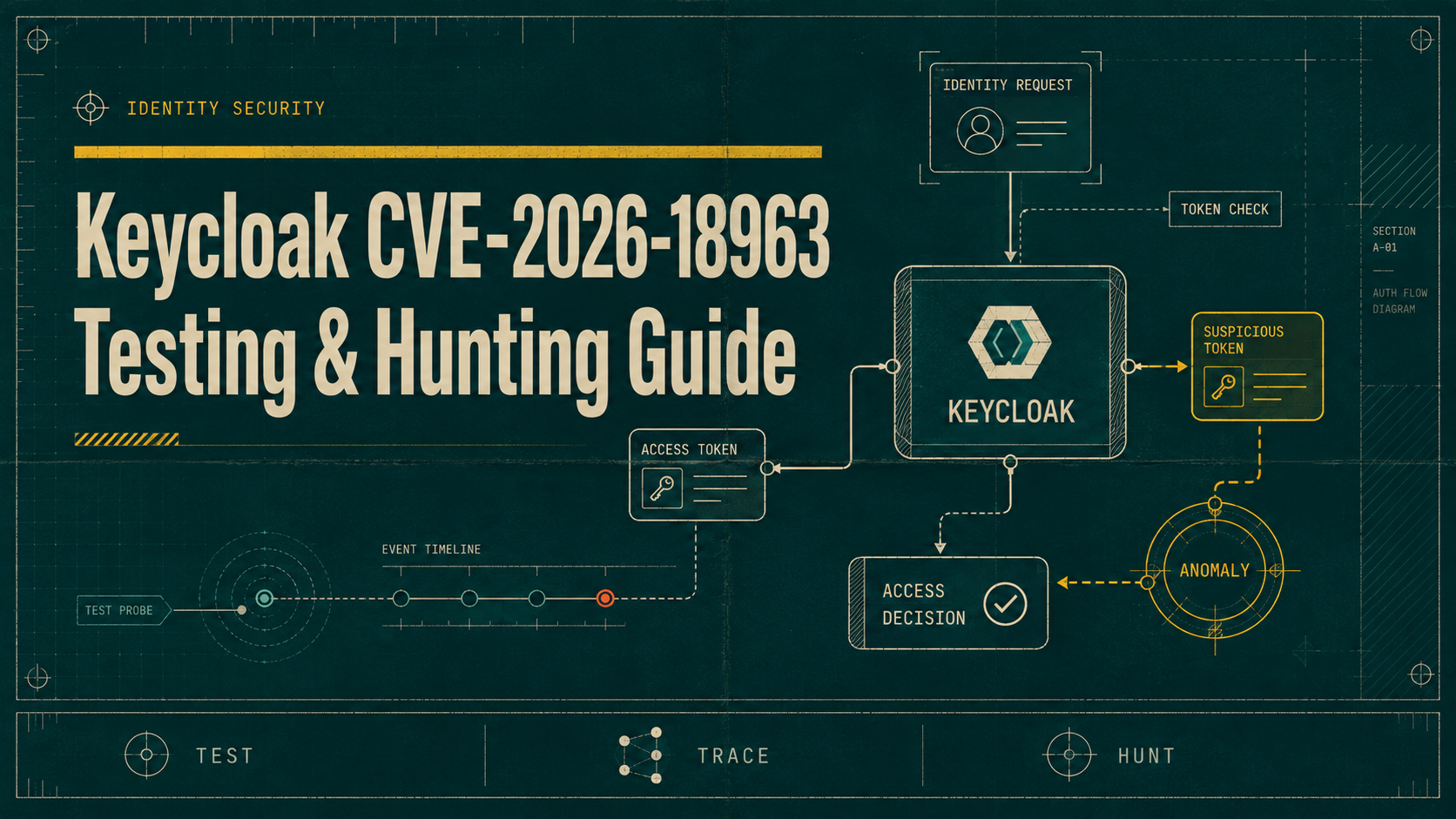
You are testing an application that delegates authentication to Keycloak. The admin console shows self-service password reset enabled, and your scans report an up-to-date Keycloak 26.x instance. A few days after upgrade notices appeared, an incident desk calls: some accounts show credential changes with no email activity. That single mismatch — a completed password-reset without a prior SEND_RESET_PASSWORD event — is the signature of CVE-2026-18963 and it demands immediate, practical testing and hunting.
How the reset-credentials bypass works (what you should expect)
The vulnerability sits in the reset-credentials authentication flow in the keycloak-services component. Because the flow state is not validated correctly, an unauthenticated remote actor can drive the session state to the password-update step without ever possessing the email action token normally required. The result is a classic account takeover: attacker sets a new password and can immediately log in. Keycloak project release notes list the fix and affected streams; Red Hat and NVD have published advisories and a CVSS 3.1 base score of 9.1.
From an attacker viewpoint the sequence is straightforward: call the reset-actions endpoint(s), supply or manipulate the session state so the server believes email verification occurred, then submit the new credential. To a security tester this means the vulnerable surface is the public-facing password reset endpoints such as /realms/<realm>/login-actions/reset-credentials and any proxies or WAF rules in front of them. If the realm allows self-service resets, the endpoint is exposed and exploitable until you apply a fixed Keycloak build or an administrative mitigation.
Operational consequences are severe because Keycloak is an IAM gateway: compromised accounts can pivot into downstream apps via tokens and SSO, offline tokens may persist, and automated processes relying on those accounts may be abused. The Keycloak 26.7.2 release, Red Hat advisories and the NVD entry enumerate fixed versions; treat every realm with self-service reset enabled and a vulnerable version as high-priority for testing and hunting.
Safe, practical tests for penetration testers
Do all active tests on a non-production replica or a controlled test realm. The goal is to confirm vulnerability presence without creating real takeovers. First, enumerate reachable reset endpoints and try a benign sequence: initiate reset for a test account you control and confirm the normal email token path. That validates how the target installation normally enforces the flow and gives you the session tokens and request shape you will need to craft controlled experiments.
Next, reproduce the flow with modified state parameters to see whether the server accepts a direct transition to the credential-update phase. Use curl against a test account and observe server responses and status codes. Example: initiate a reset (to collect client/session cookies) then POST a crafted transition to the reset endpoint. Never use these steps on third-party accounts without authorization.
GET /realms/demo/login-actions/reset-credentials?client_id=account HTTP/1.1
Host: keycloak.example.com
Cookie: KC_RESTART=...

# Then a controlled POST to the endpoint with expected form values (example only)
POST /realms/demo/login-actions/reset-credentials?client_id=account HTTP/1.1
Host: keycloak.example.com
Content-Type: application/x-www-form-urlencoded
Cookie: KC_RESTART=...; KEYCLOAK_SESSION=...

code=UPDATE_PASSWORD&username=test-user&password=newP@ssw0rd
If the server accepts that POST and returns a redirect to account pages or a 200 with a login link, you have reproduced the bypass in a test realm. Again: perform these actions only where you have permission and keep a full audit trail. If you confirm vulnerability on production-like systems, immediately follow the mitigation guidance in the next section and escalate to the owner for patching.
Detecting exploitation: Keycloak DB and event queries defenders should run
When hunting for signs of compromise focus on two reliable artifacts: persistent credential records and login/admin events. Keycloak stores credentials (with credential.created_date) and also emits login events. Because events can be disabled or expire, credential rows with recent creation timestamps are the strongest single signal. KYOS published a small hunt that codifies these checks into read-only queries against the Keycloak PostgreSQL schema; run them against a replica whenever possible.
Run these read-only checks per realm and for the exposure window (set since to the date your vulnerable build went live). The first query enumerates recent credential creation. The second looks for reset-related events where the reset completed but no prior SEND_RESET_PASSWORD event was recorded (the definitive CVE-2026-18963 signature is a no_email_before = true indicator on RESET/UPDATE events). Correlate any hits with web/proxy access logs by timestamp and source IP.
-- Q1: credential creations since the exposure window
SELECT u.username, c.type, c.created_date
FROM credential c
JOIN user_entity u ON c.user_id = u.id
WHERE c.created_date >= '2026-08-01' ORDER BY c.created_date DESC;

-- Q2: reset/login events missing preceding SEND_RESET_PASSWORD
SELECT e.time, e.type, e.ip_address, e.details, e.user_id, e.no_email_before
FROM login_event e
WHERE e.type IN ('RESET_PASSWORD','UPDATE_PASSWORD','UPDATE_CREDENTIAL')
  AND e.time >= '2026-08-01'
  AND e.no_email_before = true;

-- Q3: admin-triggered resets to exclude helpdesk actions
SELECT a.time, a.operation, a.resource_path, a.auth_user
FROM admin_event a
WHERE a.time >= '2026-08-01' AND a.operation LIKE '%reset%';
For SIEM hunts normalize these results into three detections: recent credential.created_date for non-expected accounts, RESET/UPDATE events where no_email_before is true, and admin API resets around the same timestamps (to rule out legitimate administrative actions). Search proxies for POSTs to /realms/.*/login-actions/reset-credentials followed by sign-in from the same IP within minutes; that pattern indicates an attacker reused the new password immediately.
Short-term mitigations and deployment hardening
Patching to a fixed Keycloak stream is the only permanent fix: Keycloak lists fixes in 26.7.2, 26.6.6 and 26.4.15 (and later) in its release notes; Red Hat provides corresponding RHSA advisories for its builds. If you cannot patch immediately, perform an emergency configuration mitigation: disable self-service password reset for all realms. This closes the exposed public endpoint at the cost of user convenience and should be followed by an upgrade as soon as possible.
Use the Admin REST API to flip the realm-level setting quickly for many deployments. Example admin API call to disable reset-password across a realm (requires an admin token):
PUT /admin/realms/myrealm HTTP/1.1
Host: keycloak.example.com
Authorization: Bearer <admin-token>
Content-Type: application/json

{"resetPasswordAllowed": false}
Other short-term controls: enforce or tighten rate limits on reset endpoints at your ingress (limit attempts per IP per minute), require additional MFA on credential changes where possible, rotate service account secrets that could be accessed by compromised users, and reduce events expiration so forensic material is retained longer. All these are stopgaps while you schedule the upgrade.
Investigation playbook: triage, containment and recovery
If you find one or more credential.created_date hits or reset events with no_email_before = true, treat them as suspected takeovers until ruled out. Containment steps are: disable the affected user account or force an admin reset via a trusted channel; revoke sessions and offline tokens; rotate any downstream credentials the account could access. The KYOS hunt README offers this exact triage order and notes correlating ingress logs to attribute the originating IPs.
Follow evidence collection practices: snapshot the Keycloak database (or the replica you queried), export matching login/admin events and proxy logs covering the timestamp window, and preserve token exchange logs. If the compromised account is privileged, assume lateral movement and escalate the incident to the appropriate IR team immediately. Keep an audit trail of all investigative queries and changes; these are valuable for post-mortem and for regulatory reporting if applicable.
Finally, after containment rotate the realm's signing keys if you suspect token theft and re-run the database queries across all realms and other clusters to look for patterns. Full recovery requires both patching and a verification sweep to ensure no other accounts were silently reset. Document the timeline and affected systems, and consider coordinated password resets for downstream applications if risk is high.
Next steps: patch, verify, and automate the hunt
Prioritize patching to a fixed Keycloak build: Keycloak 26.7.2, 26.6.6 and 26.4.15 (or later) contain the repair. Red Hat's CVE entry lists the corresponding RHSA updates for Red Hat builds; check your vendor packaging before you upgrade. Once patched, run the DB queries against an archival copy to look for historical compromises and confirm no unexplained credential changes occurred during the exposure window.
Automate the detection checks in your SIEM: ingest Keycloak login/admin events and expose no_email_before or equivalent flags as parsable fields, create alerts for sudden credential.created_date spikes, and add a rule watching POSTs to /realms/.*/login-actions/reset-credentials followed by successful login for the same user/IP. Finally, add this CVE check to your pre-deployment security gates and include a scheduled verification run for any future Keycloak upgrades.
References used while writing this guide include Keycloak project release notes, the NVD advisory and Red Hat's CVE advisory for CVE-2026-18963, and community hunt tooling that provides concrete SQL checks. Use those primary sources to validate exact package names and fixed versions before you change production systems.