
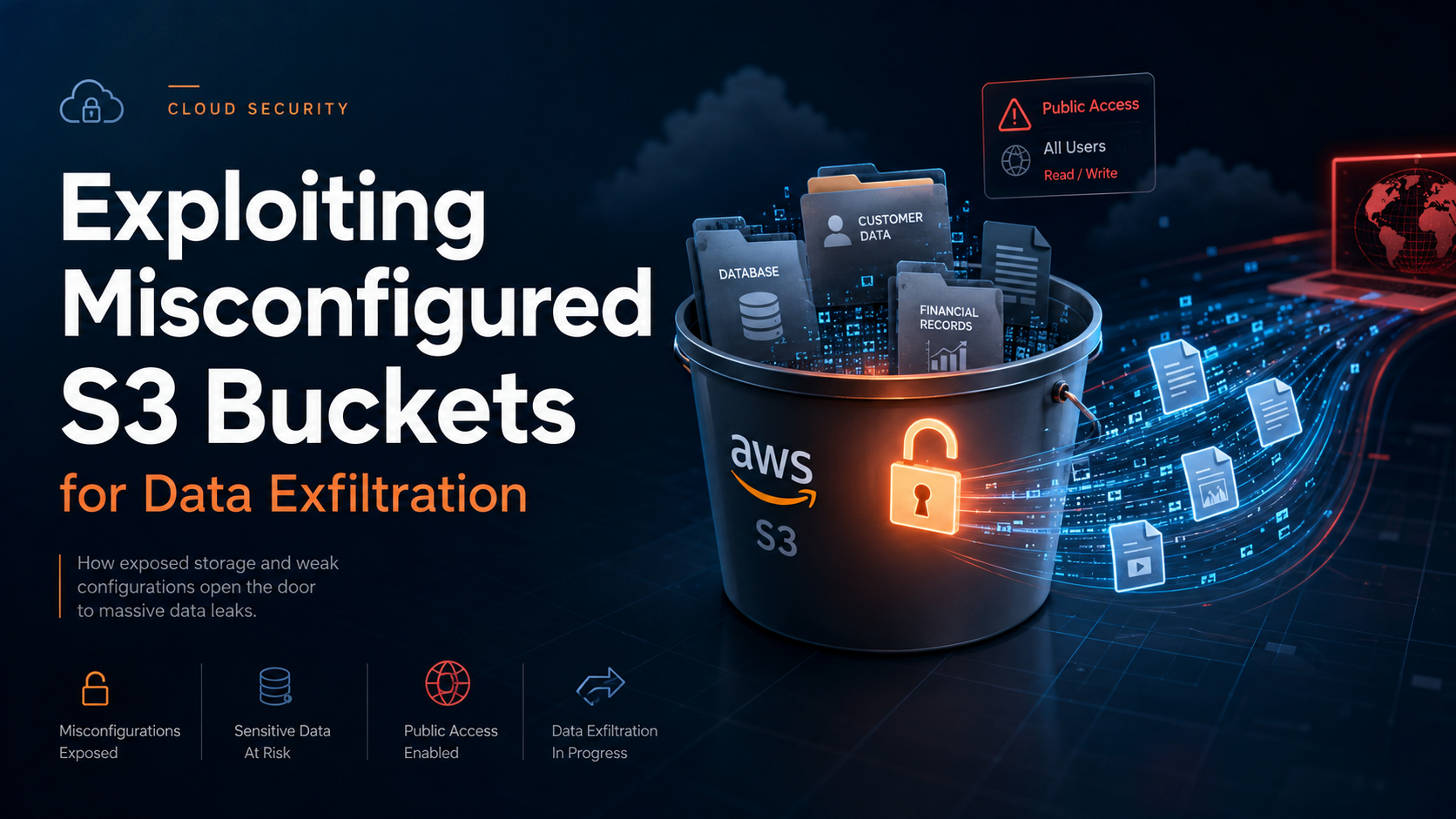
Imagine you've just completed a security assessment of your organization’s AWS infrastructure. During the review, you notice an S3 bucket configured to allow public access. This misconfiguration could be a ticking time bomb for data exfiltration. Misconfigured S3 buckets are a common vulnerability that attackers exploit to access sensitive data.
Understanding S3 Bucket Permissions
S3 bucket permissions are managed through AWS Identity and Access Management (IAM) policies. These permissions define who can access the data and what actions they can perform. A common misconfiguration occurs when a bucket is set to allow public access, either intentionally for data sharing or unintentionally due to oversight.
{
  "Version": "2012-10-17",
  "Statement": [
    {
      "Effect": "Allow",
      "Principal": "*",
      "Action": "s3:GetObject",
      "Resource": "arn:aws:s3:::example-bucket/*"
    }
  ]
}
This policy allows anyone on the internet to list and retrieve objects from the bucket, making it vulnerable to data exfiltration.
Techniques for Exploiting Misconfigured Buckets
Attackers often use automated tools to scan for open S3 buckets. Once identified, they can use simple commands to list and download sensitive data.
aws s3 ls s3://example-bucket --no-sign-requestThe command above lists all objects in the bucket without requiring authentication. Attackers can then proceed to download data of interest:
aws s3 cp s3://example-bucket/secret-data.txt ./ --no-sign-requestDetecting and Responding to Misconfigurations
To detect misconfigured S3 buckets, security teams can utilize AWS services like AWS Config and AWS CloudTrail. These services track changes to bucket configurations and log access to bucket data.
For example, AWS Config rules can automatically check for public access settings and alert administrators.
{
  "ConfigRuleName": "s3-bucket-public-read-prohibited",
  "Source": {
    "Owner": "AWS",
    "SourceIdentifier": "S3_BUCKET_PUBLIC_READ_PROHIBITED"
  },
  "Scope": {
    "ComplianceResourceTypes": ["AWS::S3::Bucket"]
  }
}
Preventive Measures
To prevent data exfiltration through misconfigured buckets, consider the following best practices:
- Regularly review and audit S3 bucket policies and access logs.
- Use AWS IAM policies to enforce the principle of least privilege.
- Implement bucket policies that explicitly deny public access.
- Enable versioning and logging to track changes and access attempts.
- Use AWS Macie to identify and protect sensitive data stored in S3.
Next Steps for Security Practitioners
Security practitioners should incorporate automated tools to continuously monitor and enforce secure configurations of S3 buckets. Regular training for development and operations teams on cloud security best practices is also essential to minimize the risk of misconfigurations. By staying proactive, organizations can significantly reduce the likelihood of data exfiltration incidents.